
- OLED has the deepest blacks and the widest viewing angles, so it shines in dim and dark rooms.
- QLED and Mini-LED TVs get brighter, which helps in sunny rooms and with HDR highlights.
- Burn-in is a small risk on OLED, mostly for people who leave static images on screen for hours.
- Compare specific models in your size and budget, because a good QLED beats a weak OLED.
Choose OLED if you watch mostly in a dim or dark room and care about contrast. Choose QLED, or a Mini-LED set, if your room is bright for much of the day and you want the strongest picture in daylight.
The short answer
Both technologies make excellent pictures. The right pick depends on where the TV sits, what you watch on it and how much you want to spend, so this guide walks through each of those in turn. If you only want the headline differences, the table below has them.
A quick note on terms. QLED is a brand name Samsung introduced for LCD TVs that use a quantum dot layer, and other makers such as TCL and Hisense sell similar sets under their own names. OLED is a different kind of panel altogether. That difference is why the two behave so differently in a living room.
| OLED | QLED and Mini-LED | |
|---|---|---|
| Black levels and contrast | Best. Each pixel can switch fully off. | Good to very good. Depends on how well the backlight dims. |
| Peak brightness | High, but lower than the brightest LCDs. | Highest. Strong in bright rooms and for HDR highlights. |
| Viewing angles | Wide. The picture holds up from the side. | Varies. Many sets lose contrast off to the side. |
| Reflections | Glossy screens can reflect windows and lamps. | Bright panels fight reflections better. |
| Burn-in risk | Small, but real with static images for many hours. | Not a concern. |
| Gaming | Very fast pixel response and strong 120Hz support. | Strong 120Hz support. Response is slower. |
| Price at the same size | Often higher, though the gap varies and has narrowed. | Often lower, especially at 65 inches and above. |
| Best room | Dim or dark, controlled lighting. | Bright or mixed lighting. |
What OLED and QLED are
The easiest way to understand the difference is to follow the light. A TV picture is made of millions of tiny dots, and the question is where each dot gets its light from.
How OLED works
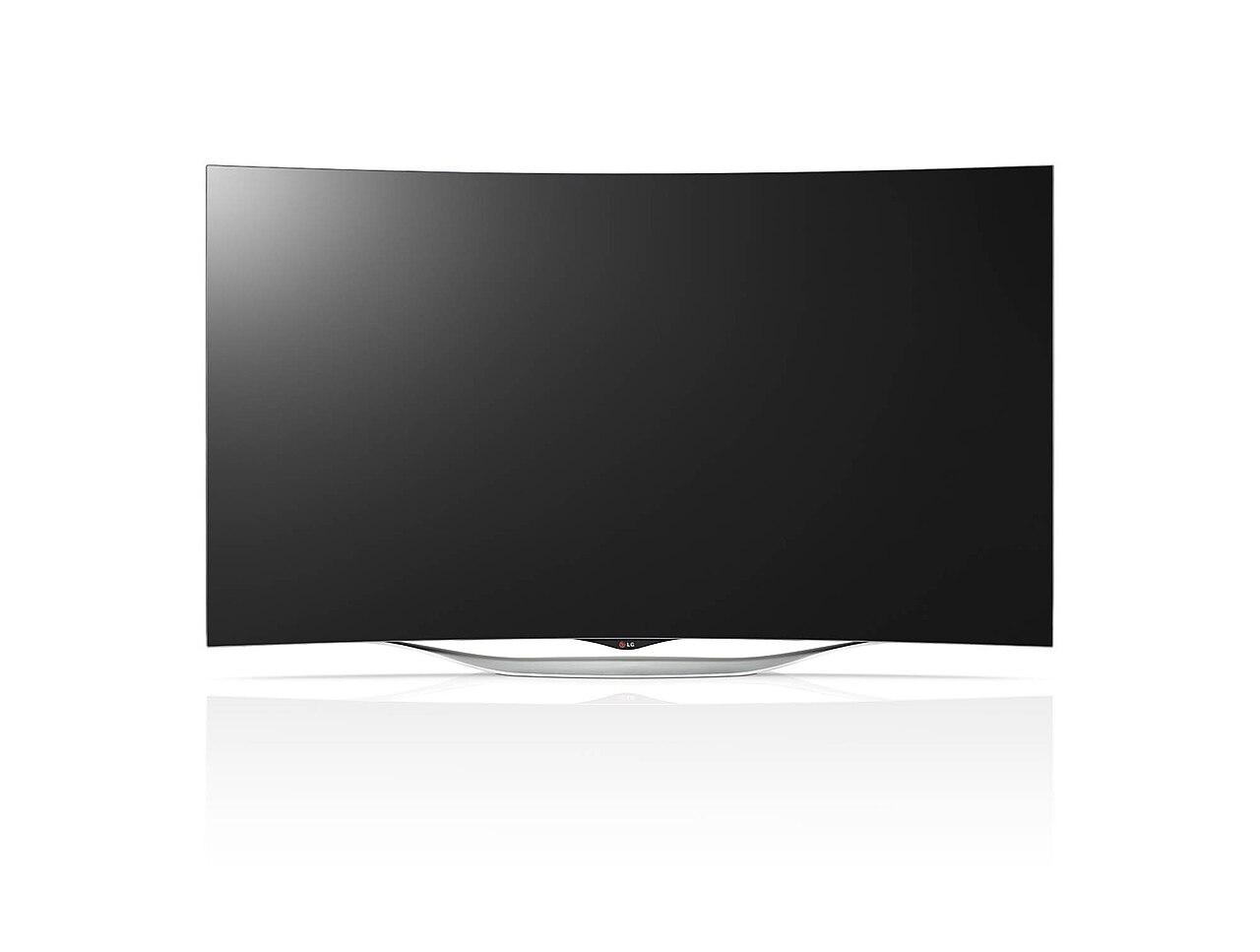
In an OLED panel each pixel produces its own light. To show black, a pixel simply turns off. That gives OLED what people call infinite contrast, because the darkest parts of the picture emit no light at all.
There is no backlight to leak around bright objects, so a star field or a candle in a dark room looks clean. There are two common flavours. LG Display makes the white OLED panels used in LG's TVs and in some other brands. Samsung Display makes QD-OLED, which adds quantum dots to improve colour and brightness. Both are OLED, and both share the same strengths and the same burn-in caveat.
How QLED works
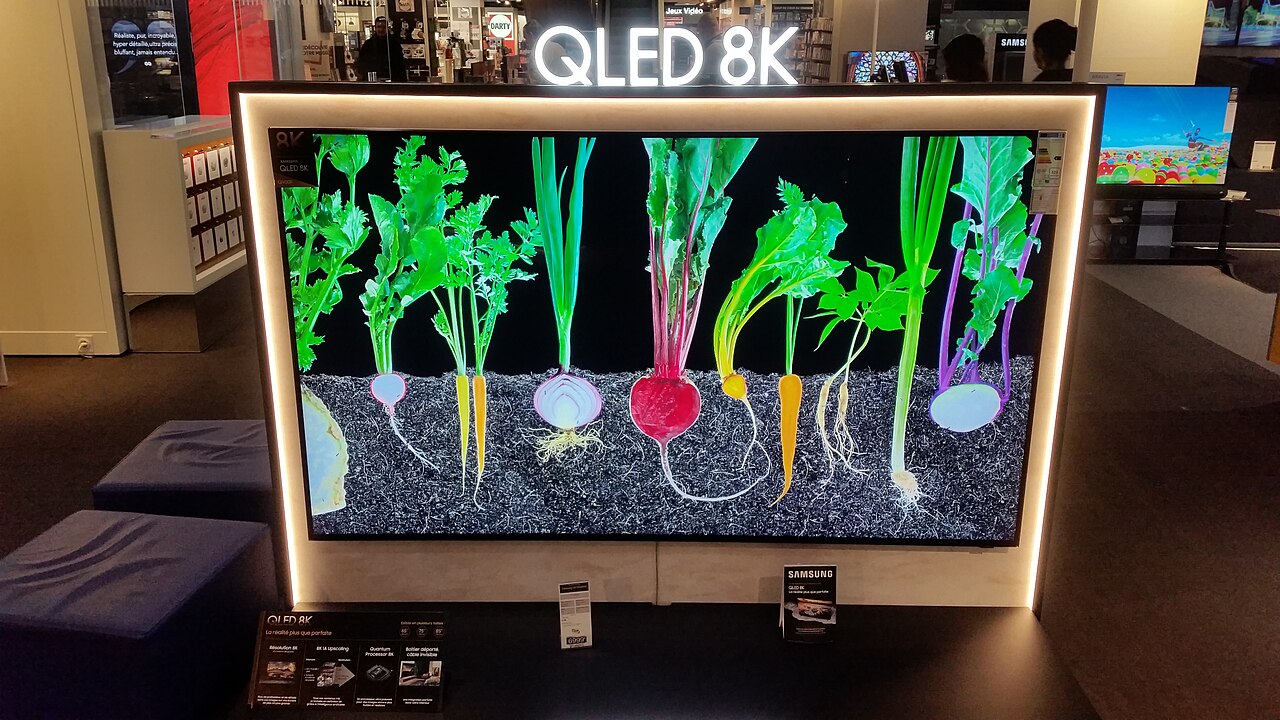
A QLED TV is an LCD screen. A backlight shines through a layer of liquid crystals that block or pass light, and a quantum dot film turns the backlight into purer, brighter colour. The pixels do not make their own light, so black is made by blocking the backlight, and blocking is never perfect.
How good the blacks look depends on the backlight. A basic set lights the screen from the edges. A better set uses full array local dimming, with zones that brighten and dim independently.
Where Mini-LED and QNED fit
Mini-LED sets replace the backlight with thousands of tiny LEDs grouped into many dimming zones. More zones mean less blooming around bright objects and deeper blacks. Samsung calls its Mini-LED range Neo QLED, and LG uses the name QNED for Mini-LED sets with a quantum dot and NanoCell layer.
A good Mini-LED TV closes much of the contrast gap with OLED while keeping the brightness advantage of LCD. If you are comparing OLED against QLED in a shop, check whether the QLED in question is a Mini-LED model. It changes the comparison.
Contrast and black levels
Contrast is the difference between the brightest and darkest parts of the picture, and it is the biggest single reason people choose OLED. In a dark room, an OLED can show a bright spaceship against true black space. A typical LCD shows the spaceship against dark grey, with a faint glow around it.
That advantage shrinks as the room gets brighter. Daylight lifts the blacks on every screen, so the extra depth of OLED matters less at noon in a sunny lounge than at 9pm with the curtains closed.
Mini-LED sets with many zones narrow the gap. They can still show a halo around small bright objects on a dark background, such as subtitles or a moon, which an OLED never does.
Brightness and HDR
HDR content has bright highlights, such as sun glints, explosions and neon signs. QLED and Mini-LED TVs can reach much higher peak brightness than OLED, so those highlights look more dramatic, particularly in a lit room.
OLED brightness has improved a lot, and recent models are bright enough for most people. The limit appears when large bright areas fill the screen, for example a snowy landscape, where an OLED dims itself to protect the panel. A bright LCD holds its level.
If you mostly watch films in the evening, OLED brightness is plenty. If you watch sport in the afternoon with sunlight on the screen, brightness deserves more weight in your decision.
Viewing angles and reflections
Sit to the side of many LCD TVs and the picture loses contrast and colour. Many QLED sets use VA panels, which have strong contrast head on and weaker performance off axis. OLED looks nearly the same from any seat, which helps if your sofa sits at an angle or several people watch together.
Reflections work the other way. A bright LCD overpowers a reflection from a window or lamp. Some OLEDs have good anti reflection coatings, but a glossy screen opposite a big window can still be distracting. Before you buy, look at where light sources sit in your room and try the screen in a bright shop if you can.
Burn-in, lifespan and care
Burn-in is the permanent ghost of a static image, such as a channel logo or a game health bar, that has been shown in the same place for a very long time. It can affect OLED panels because the organic material in each pixel ages with use. It does not affect LCD sets.
Makers include protections such as pixel shifting, logo dimming and refresh routines, and normal mixed viewing rarely causes problems. The people most at risk leave a news channel with a fixed ticker or the same game interface on for many hours every day.
If you fall in that group, a QLED or Mini-LED is the lower worry. If you do not, the risk is small. A few habits help on an OLED: avoid leaving static content on pause for long periods, let the TV run its maintenance cycles, and use the standby mode instead of unplugging it.
Gaming and sport
Both types can offer 4K at 120Hz, variable refresh rate and a game mode with low input lag, which suits PlayStation, Xbox and PC. Check that the TV supports HDMI 2.1 features on the ports you will use, because many sets limit them to one or two inputs.
OLED pixels switch almost instantly, so fast motion looks sharp and clean. LCD pixels respond more slowly, and fast sport or games can show slight smearing on weaker sets.
If you play for long sessions with fixed on screen elements, factor in burn-in. If you watch fast sport in a bright room, a bright, well made Mini-LED is a strong choice.
Price and value
OLED has usually cost more than QLED at the same size, though the gap varies by brand, model and sale, and it has narrowed in recent years. Large QLED and Mini-LED sets, 75 inches and above, often cost much less than OLED at the same size.
Last year's models are often the best value in either group. When new models arrive, the previous generation usually drops in price while the picture changes little. See the best time to buy a TV for when those drops tend to land.
Do not compare on technology alone. A mid range OLED can beat a basic QLED for contrast, and a well made Mini-LED can beat an entry level OLED for brightness. Compare the specific models you are considering.
Setup tips that change the picture
Many people judge a TV by the shop demo, which is tuned to look as bright and vivid as possible. At home the default settings can look very different, and a few changes help on either technology.
- Use the Movie, Cinema or Filmmaker mode for films. It is closer to what the director intended and is usually less harsh than the Standard or Vivid modes.
- Turn off motion smoothing for films if you dislike the soap opera look. Many sets name it differently, so look for words such as motion interpolation or TruMotion.
- On OLED, avoid setting the screen brightness to maximum all day. It does not help much and it can accelerate wear.
- On an LCD, check the local dimming setting. Too aggressive and dark scenes lose detail, too weak and blacks look grey.
- If you game, switch on Game mode for the lowest input lag, and enable variable refresh rate if your console supports it.
- Place the TV so windows are to the side of the screen, not behind you or opposite it.
Mistakes people make when comparing
Shop floors are a poor test. Lights are bright, the demo loop is chosen to flatter the set, and sets are often placed in different modes. Whatever you see in a shop, check reviews that measured the model in real use.
Another common mistake is comparing different sizes. A larger screen makes the picture more impressive, so an unfair comparison can mislead you. Compare the same size, and look at independent measurements of brightness and contrast, along with the marketing terms.
Also look at the model number and not the name. Makers sell the same range name in several panel types or with differing specifications, depending on the size and the country. A review of the 55 inch model may not describe the 75 inch model.
Which one to choose, by room
Match the TV to the room you have, not the room in the shop.
- A dim living room used mainly in the evening: OLED.
- A bright room with large windows and daytime viewing: QLED or Mini-LED.
- A shared family room where people sit at wide angles: OLED, for the viewing angles.
- A console or PC gaming setup in a dim room: OLED. In a bright room: Mini-LED.
- A large TV, 75 inches or more, on a tighter budget: QLED or Mini-LED.
- A TV that shows the same channel or interface for many hours daily: QLED or Mini-LED.
A checklist before you buy
Run through these steps before you pay.
- Note the brightness of your room at the times you watch, and where windows and lamps sit.
- Set a maximum budget for the size you want.
- Pick two or three models in that size and read their reviews for brightness, blooming or burn-in complaints.
- Confirm the HDMI 2.1 ports and refresh rate if you game.
- Check the model number so you know you are buying the version you read about.
- Compare the price with its lowest recent price and look at the return policy.
If you want a faster answer, paste the exact TV into VEYDICT. It checks the model against your room, budget and priorities and gives you a GO, WAIT or SKIP, with the price we would call a good buy. You can also read how we judge TVs on the TV category page.
Questions
Is OLED better than QLED?
OLED has better contrast, deeper blacks and wider viewing angles. QLED and Mini-LED get brighter and carry no burn-in risk. Which is better depends on your room, what you watch and your budget.
Does OLED burn in?
It can, mainly when a static image such as a logo is shown for many hours each day. Normal mixed viewing rarely causes trouble on current models, and makers include protections.
What is the difference between QLED and Mini-LED?
QLED describes the quantum dot colour layer in an LCD TV. Mini-LED describes a backlight made of thousands of tiny LEDs with many dimming zones. Many premium sets use both.
Is QLED the same as OLED?
No. QLED is an LCD TV with a quantum dot layer and a backlight. OLED has pixels that make their own light and no backlight.
Which is better for gaming, OLED or QLED?
OLED has faster pixel response and excellent contrast in dim rooms. A bright Mini-LED is better in a bright room. Both can support 4K at 120Hz, so check the HDMI 2.1 ports.
Do OLED TVs last as long as LCD TVs?
With normal use, an OLED TV lasts for many years. Heavy static content shortens the useful life of the panel. LCD sets age differently, mostly through backlight wear.