

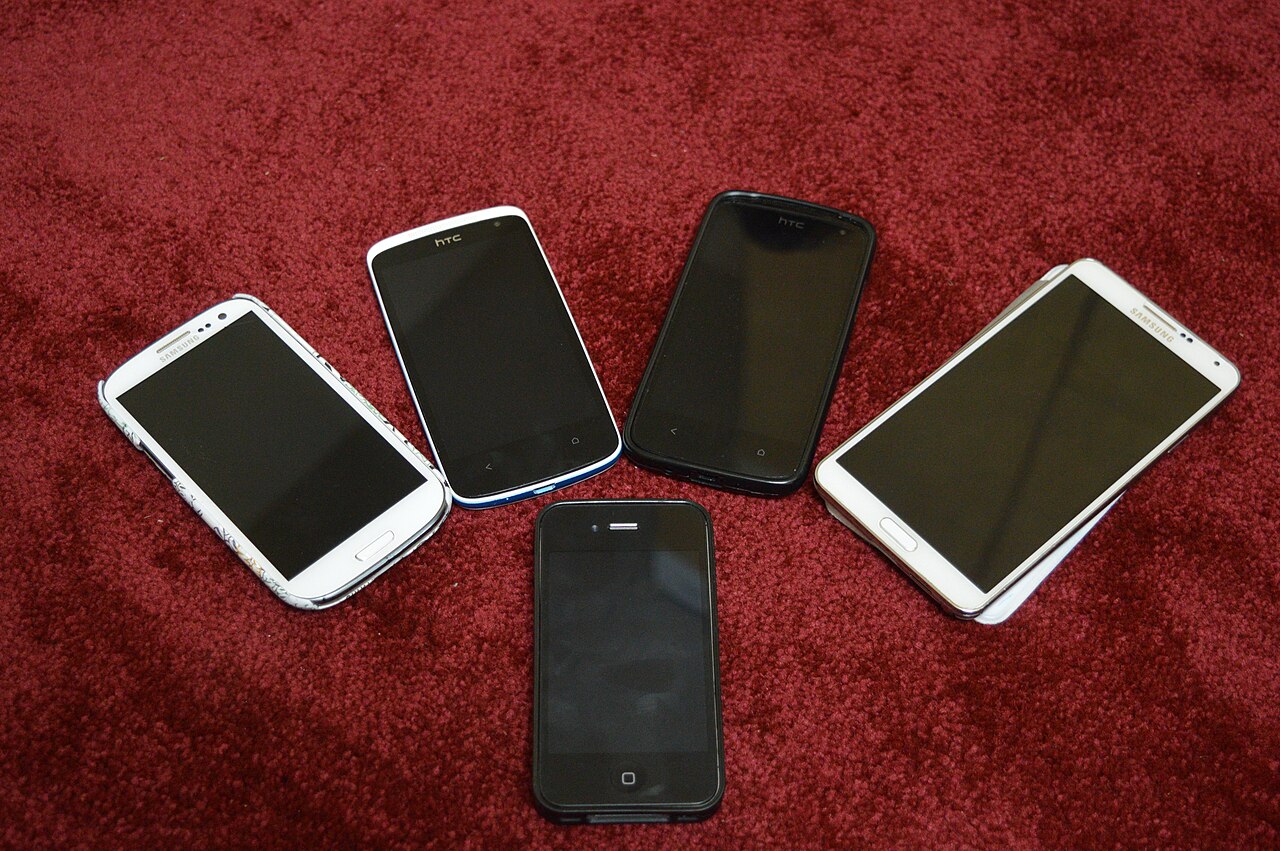
- Most phones stay usable for 3 to 5 years, and many owners replace them after two or three.
- Software updates and the battery decide when a phone is finished, far more often than the hardware does.
- A battery replacement or a screen repair is often much cheaper than a new phone.
- Upgrade when updates stop or the phone no longer does what you need, not because of a slightly better camera.
A phone typically lasts 3 to 5 years, and many people replace one after two to three. A well cared for phone with a long update promise can serve for longer, and a cheap phone with a short promise can feel finished in two. In almost every case it is the battery and the software, not the hardware, that decide when it is time to upgrade.
The short answer
That is good news if you want to keep your phone longer. The two things that end a phone's useful life can both be managed. A battery can be replaced for far less than the price of a new phone, and the length of software support is printed in the maker's own promises before you buy. This guide explains what wears a phone out, how long makers actually support their phones, how to judge your own battery, when a repair beats a replacement and how to get the most from the phone in your pocket.
If you are about to buy and want to know how long the new phone will last, read the sections on update support and cost per year first. They change which phone is the better value more often than camera or screen differences do.
What wears a phone out
A phone is a sealed bundle of parts that age at different speeds. Understanding which part fails first tells you where to put your effort.
The battery
The battery is the part that wears out first and fastest. Every full charge and discharge slightly reduces how much energy it can hold, and heat speeds that loss up. Apple says its iPhone batteries are designed to keep up to 80 percent of their original capacity after 500 complete charge cycles on older models, and after 1,000 cycles on iPhone 15 and later. Android makers publish similar targets for their own phones.
After two years of daily charging, many phones hold noticeably less than when new. A phone that once lasted a day and a half may only last a day, and by year three or four it may need a top up before dinner. A weak battery makes a phone feel old long before the chip or the screen does.
Software and apps
Apps grow heavier every year, and each new operating system version asks more of the chip. An older phone slows down as a result, and once the maker stops sending updates it also stops receiving security fixes. Some banking and work apps refuse to run on phones that no longer get updates, which can end a phone's life on the day support stops even if everything else works.
Storage
A phone that is nearly full runs slower, cannot install updates and struggles to save photos. If you keep many photos, videos and apps on the phone, a larger storage size when you buy adds years of comfortable use. Cloud storage and regular clean ups also help.
Damage and wear
Drops, cracked screens, bent frames and water damage end more phones early than age does. Charging ports collect lint and wear out, and buttons loosen. A case and a screen protector cost little and prevent the most common failures, and many screens can be repaired for a fraction of the price of a new phone.
How long makers support their phones
Update support sets a ceiling on how long a phone stays safe and usable, so check it before you buy. Policies change from year to year, so confirm the current promise for the exact model.
Samsung and Google now promise seven years of operating system and security updates on recent flagship phones. Apple does not publish a fixed promise, but in practice it has supported iPhones for around six or seven years. Mid range Android phones commonly get between three and five years of updates, and many budget Android phones get two or three. A phone with a short promise can cost more over time than a pricier one that stays supported for years.
| Phone type | Typical update support | Practical lifespan for most owners |
|---|---|---|
| Recent iPhone | Around 6 to 7 years in practice | 4 to 6 years |
| Recent Samsung or Google flagship | Up to 7 years promised | 4 to 6 years |
| Mid range Android | Often 3 to 5 years | 3 to 4 years |
| Budget Android | Often 2 to 3 years | 2 to 3 years |
| Refurbished older flagship | Whatever remains of its promise | Depends on remaining support |
The practical lifespan column assumes normal use and a battery replacement when needed. Heavy gaming, frequent drops or a full storage drive shorten it.
How to check your battery
You do not have to guess. On an iPhone, open Settings, then Battery, then Battery Health to see the maximum capacity as a percentage. Apple treats around 80 percent as the point where the battery is considered worn. Many Android phones show similar information in the battery or device care settings, and some brands hide it in a diagnostic menu or in their companion app.
If you cannot find a figure, use the symptoms. The phone drops from a healthy percentage to zero suddenly, shuts down in the cold, gets hot while idle or needs charging twice a day with normal use. Any of those suggests a worn battery. If the phone is otherwise fine and still receives updates, replacing the battery is usually the best value repair you can buy.
Signs it is time to upgrade
No single sign means you must buy a new phone. Two or three together usually do.
- The phone no longer receives security updates, which is the strongest reason of all.
- Apps you rely on, such as banking, work or payment apps, refuse to install or run.
- The battery cannot last a day and a replacement is not offered or not worth the cost.
- The phone is slow in everyday use even after a reset and a clean up.
- The screen, camera or charging port is damaged and repair costs too much.
- Storage is full and cannot be cleared or extended, so photos and updates fail.
- You need a feature it does not have, such as a camera you use for work or the mobile network your area now relies on.
Repair or replace?
Before you buy a new phone, price the repair. A battery replacement from the maker or a reputable repairer often costs a small share of a new phone and can add a year or two of use, provided the phone still gets updates. A cracked screen repair is also worth it on a good phone that is otherwise healthy.
A useful rule is to compare the repair with the price of a comparable replacement. If the repair costs more than about half of what a similar phone would cost, or if the phone no longer receives updates, replacing it makes more sense. Ask for a written quote and a warranty on the work, and choose the maker's service or a repairer with good reviews, because cheap parts can cause new problems such as poor battery life or weak waterproofing.
When upgrading is not worth it
New phone launches arrive with plenty of excitement and a slightly better camera, but the change from one year to the next is usually small. If your phone still gets updates, lasts the day and does what you need, upgrading mostly costs money. The difference you would notice in daily use, such as faster app launches, is often far smaller than the price gap suggests.
If you do want a newer phone, consider last year's model, which often delivers nearly the same experience for much less once the new one launches. We explain when that is a smart move in should you buy last year's model.
What a phone really costs per year
The sticker price hides the real cost, because a longer lifespan spreads it thinner. Divide the price by the number of years you expect to use the phone, and subtract what you can sell it for at the end.
| Scenario | Price | Years of use | Cost per year before resale |
|---|---|---|---|
| Flagship kept 5 years | 1,000 dollars | 5 | 200 dollars |
| Flagship replaced every 2 years | 1,000 dollars | 2 | 500 dollars |
| Mid range kept 3 years | 450 dollars | 3 | 150 dollars |
| Budget phone replaced every 2 years | 200 dollars | 2 | 100 dollars |
| Refurbished flagship kept 3 years | 600 dollars | 3 | 200 dollars |
Resale value lowers each figure, especially for popular phones kept in good condition. The pattern still holds: the longest lived phone is usually the cheapest per year, and replacing a phone every two years is the most expensive habit.
How to get more years from a phone
- Use a case and a screen protector from the first day, because most early deaths are drops.
- Keep the phone out of heat. Do not leave it in a hot car, in direct sun or under a pillow while it charges.
- Keep the battery between roughly 20 and 80 percent when it is convenient, and turn on the battery care or optimised charging setting if the phone has one.
- Install updates, and keep at least 10 to 15 percent of storage free so the phone can install them.
- Back up regularly, so a failure or a repair is an inconvenience and not a loss.
- Replace the battery when its health drops significantly, as long as the phone is still supported.
- Delete apps you do not use, and clear the cache of the ones that bloat.
- Wipe the phone and reinstall only what you need once every year or two if it has become slow.
Getting a good price when you do upgrade
When it is time to replace a phone, a few habits keep the cost down. Trade in or sell the old phone while it still has value, because resale prices fall quickly with age and damage. Consider last year's model when the new one launches, or a refurbished phone from a trusted seller with a warranty, as we describe in refurbished vs new. Time the purchase around sales rather than launch week, and compare the total cost including any plan, because the cheapest phone on a long contract may not be the cheapest overall.
To check a specific phone against your budget and how long you want to keep it, paste it into VEYDICT. We look at the price, the update support, the reviews and the alternatives, and give you a GO, WAIT or SKIP with the price we would call good value. You can also read what we check on the phone category page, and our piece on buyer's remorse lists habits that make every purchase safer.
See what we check, when to buy and the red flags to avoid.
Read the phones guide →Questions
How often should I upgrade my phone?
When security updates stop, when the battery cannot be fixed affordably, or when the phone no longer does what you need. For most people that is every 3 to 5 years.
Is it worth replacing a phone battery?
Usually yes, if the phone is otherwise in good shape and still receives updates. A battery replacement costs far less than a new phone and often adds a year or two.
Do iPhones last longer than Android phones?
Many iPhones receive updates for a long time, and some Android flagships now promise seven years. Check the update promise for the exact model, since cheap Android phones often get much less.
How long do phone batteries last?
Most lose a noticeable amount of capacity after about two to three years of daily use. The exact figure depends on the phone, the heat it experiences and how you charge it.
Is it better to buy a new or refurbished phone?
A refurbished phone from a trusted seller with a warranty can save money. Check the battery condition and how much update support remains before you buy.
Does charging overnight damage a phone?
Most modern phones manage charging well, but heat and sitting at full charge for long periods add wear. A battery care or optimised charging setting helps.
Will a new phone make my old apps faster?
Sometimes, but not by as much as the price gap suggests. If your phone is slow, try clearing storage, updating the software and replacing the battery before you buy a new one.