

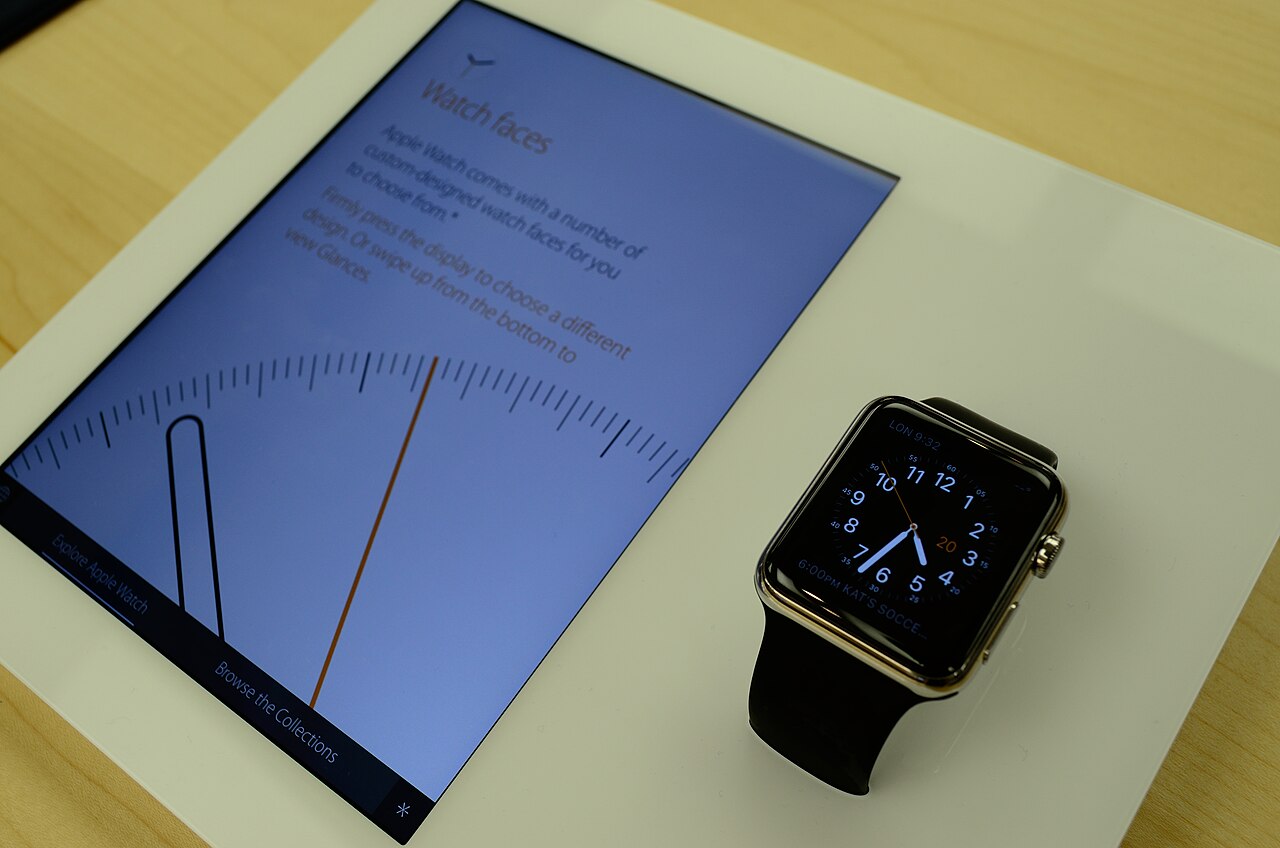
- It is worth it if you use an iPhone and will wear it daily for notifications, fitness and payments.
- It needs an iPhone, and battery life is shorter than many rivals.
- A Garmin suits long battery life and serious sport tracking, and a basic band suits step counts on a small budget.
- Last year's model is often the best value.
The Apple Watch is worth it for people with an iPhone who will wear it every day and use features such as notifications, workout tracking and contactless payments. It is poor value if you will wear it a few times and leave it in a drawer, and it is not an option if you use an Android phone.
The short answer
How much you value it depends on what you will use it for. This guide goes through what the watch does, who benefits, the downsides, how it compares with alternatives and how to work out its cost per day, so you can decide for yourself.
What you get
Notifications and convenience
The watch shows calls, messages and app alerts on your wrist, so you check your phone less often. You can reply with preset messages or dictation, control music, set timers and use your wrist to pay in shops.
Fitness tracking
It tracks workouts such as running, walking, cycling and swimming, along with daily activity goals, with heart rate and GPS on models that include it. The activity rings are a simple way to see how active you have been.
Health features
Depending on the model and your region, features include heart rate monitoring, sleep tracking, an ECG app and alerts for irregular heart rhythm. These are wellness tools. They are not a replacement for medical advice, so talk to a doctor if you have health concerns.
Safety features
Newer models offer fall detection and emergency SOS, and some detect car crashes. These features matter most for older users and for people who exercise alone.
Cellular models
A cellular watch can make calls and use data without your phone nearby, which suits runs and errands without a phone. It needs a data plan from your carrier, which costs extra.
What daily use looks like
Features read well on a page, so it helps to picture an ordinary day. In the morning you check the weather and the calendar on your wrist. On the commute you skip a song or glance at a message without taking out your phone. At lunch you pay for a coffee with a tap. In the evening you start a workout, and the watch records the route and heart rate. You charge it while you shower or have dinner, then wear it to bed if you want sleep data.
Many owners say the biggest change is fewer phone checks. That is useful if the phone pulls you out of conversations, and it is a small effect if you rarely check your phone anyway. Decide whether that kind of day sounds helpful or like extra effort.
Who benefits most
The watch tends to be worth the money for these people.
- iPhone users who want to see notifications without taking the phone out.
- People who want to keep track of daily activity and workouts.
- Anyone who values contactless payments on the wrist.
- Parents and older users who value fall detection and emergency features.
- People who like to track sleep, and who will charge the watch in the evening and wear it overnight.
Who should skip it
The watch is the wrong buy for these cases.
- Android phone users. It does not work with Android.
- People who dislike charging a device every day.
- Buyers who only want step counts. A basic fitness band costs much less.
- Serious runners, hikers and triathletes who need long battery life and detailed training data. A sports watch is usually a better fit.
- Anyone who will not wear it daily, because the cost per use rises quickly.
Apple Watch compared with the alternatives
Battery figures vary by model and use, so check the specifications for the model you want.
| Apple Watch | Garmin sports watch | Android smartwatch | Basic fitness band | |
|---|---|---|---|---|
| Works with | iPhone only | iPhone and Android | Android, some with iPhone limits | iPhone and Android |
| Battery life | About a day or two | Several days to weeks | A day or two | Days to weeks |
| Strength | Apps, notifications, payments | Training data, GPS, battery | Android integration | Price and battery |
| Typical price | Higher | Mid to high | Mid to high | Low |
| Best for | iPhone users wanting an all rounder | Serious sport | Android users wanting smart features | Basic tracking on a budget |
How accurate is the health data?
Wrist sensors are good at showing trends and less reliable for single readings. Heart rate during steady exercise is usually close to a chest strap, while readings during fast changes or intense intervals can lag. Sleep stages are estimates. Step counts can vary with how you move your arm, and calorie counts are rough.
That does not make the data useless. Watching resting heart rate, activity and sleep patterns over weeks can show useful changes. Treat the figures as prompts for habits and conversations with a doctor, not as diagnoses.
What you gain compared with your phone alone
Your iPhone already counts steps, shows notifications and handles payments. The watch adds continuous heart rate, workout tracking without carrying the phone, safety features such as fall detection, and the convenience of not reaching for the phone. If none of those will change your day, the watch adds cost without much value.
Battery and charging
Battery life is the most common complaint. Many Apple Watch models need charging daily or every other day, depending on use. That means a charging habit, such as topping up while you shower or work, and a gap in the day if you use it for sleep tracking.
If a weekly charge matters to you, look at sports watches or fitness bands. If a daily charge fits your routine, the battery is a small cost for the features.
Getting more out of the battery
- Turn off the always on display if you need an extra day.
- Reduce unneeded notifications, so the screen wakes less often.
- Use workout modes with lower power GPS when you can.
- Charge during a fixed routine, such as getting ready in the morning, so the habit is automatic.
- Keep the software updated, because updates sometimes improve battery use.
For children and older relatives
Some families buy the watch for a child or an older parent. For older users, fall detection and emergency calling are the main draw, and a cellular model lets them reach help without a phone. For children, Apple offers a family setup that lets a parent manage a watch without the child owning an iPhone, so check the current requirements and the cost of a cellular plan. In both cases, make sure the person will charge and wear it, since a safety feature only helps when the watch is on the wrist.
Choosing a model
Apple sells several models, usually a main series, a lower priced SE and a rugged Ultra, and the lineup changes over time. The main series suits most people. The SE costs less and drops some features. The Ultra has a larger, tougher case and longer battery, and suits outdoor sport.
Compare the current lineup on the features you will use, and check the size, because wrist comfort matters when you wear it all day and night. Last year's model often delivers nearly the same experience at a lower price. Our piece on buying last year's model explains when that is smart.
What it really costs
Work out the cost per day. A watch that costs 400 dollars and is worn daily for three years costs about 36 cents a day. If you wear it twice a week for a year, the same watch costs several times more per use.
Add the extras. A cellular plan, spare bands, a charger or a screen protector raise the total cost. Resale value is also worth counting, because Apple Watches hold some value for a few years.
The first week
Give it a proper trial. Wear it all day and all night for a week, and note how often you used the features you bought it for. Check how annoying the daily charge is, how comfortable the band feels and whether you missed having it when you took it off. If it has become part of your day, keep it. If you rarely looked at it, return it within the return window.
How to buy it well
A few habits save money and avoid regret.
- Check that your iPhone is compatible with the watch you want.
- Decide whether you need cellular, and add the plan cost.
- Compare the current model with last year's model.
- Look at refurbished from the manufacturer, which carries a warranty.
- Check return terms so you can try it for a few days.
- Wait for a sale if you are not in a hurry. Our best time to buy guide shows the usual pattern, and prices on watches follow a similar calendar.
Check the exact model
To see whether a specific watch is worth it for you, paste it into VEYDICT with your budget and priorities. We check the price, the reviews and the alternatives and give you a GO, WAIT or SKIP. You can read how we judge wearables on the smartwatch category page.
See what we check, when to buy and the red flags to avoid.
Read the smartwatches and wearables guide →Questions
Can I use an Apple Watch without an iPhone?
No. It needs an iPhone to set up and for most features.
Is the cellular model worth the extra cost?
Only if you want to leave your phone behind for runs or errands. It also needs a data plan from your carrier.
How long does an Apple Watch last?
Many people use one for 3 to 5 years. Battery wear and software support decide when to replace it.
Is the Apple Watch good for sleep tracking?
It can track sleep, but you need to wear it overnight and charge it during the day.
Is the Apple Watch waterproof?
Most models are water resistant for swimming, but not designed for deep diving. Check the rating of the model you buy.
Is a Garmin better than an Apple Watch?
For battery life and training data, often yes. For apps, notifications and iPhone integration, the Apple Watch is stronger.