

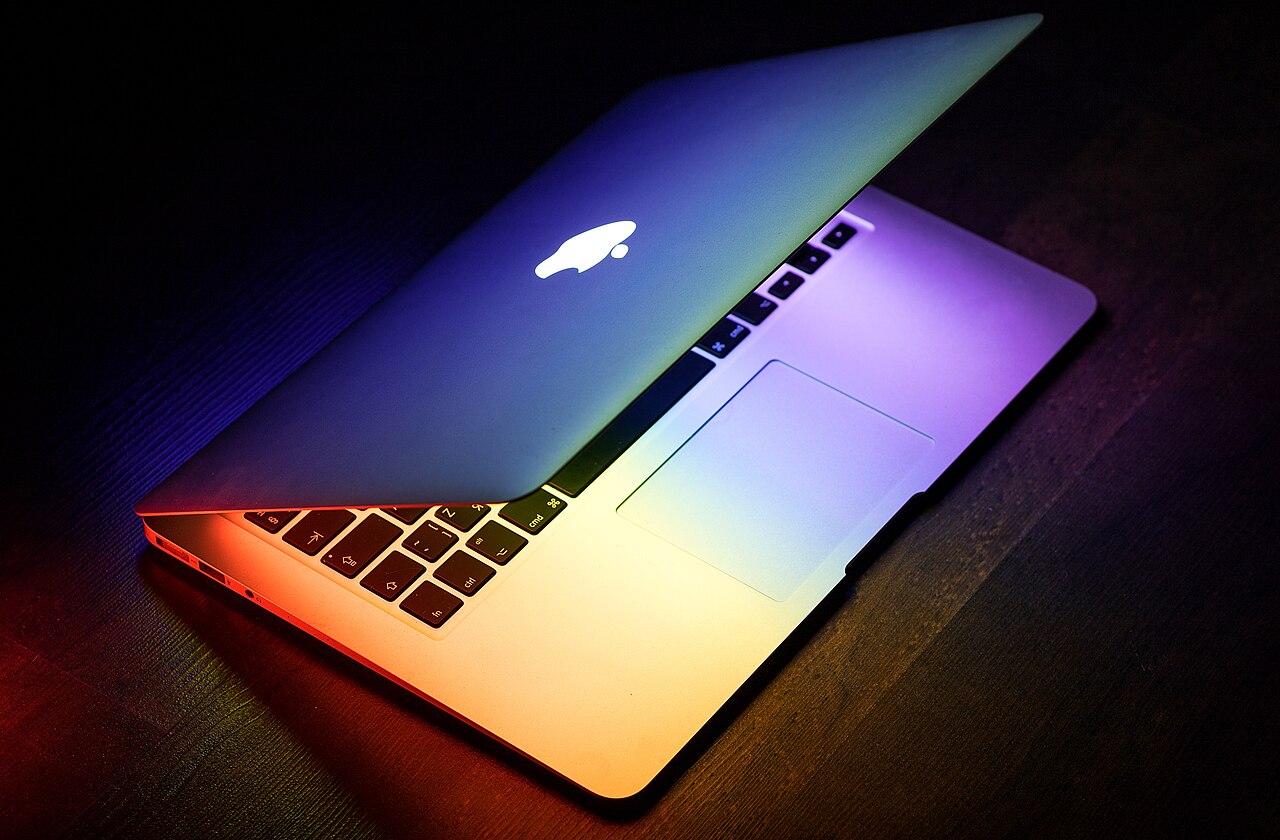
- The MacBook Air suits most people: it is light, silent and has long battery life.
- The MacBook Pro earns its price if you do sustained heavy work, such as video editing or 3D, or you want the brighter display and extra ports.
- Memory and storage cannot be upgraded later, so configure carefully.
- A well configured Air often beats a base Pro for everyday use.
Buy the MacBook Air if you browse, write, study, code or edit light photos. Buy the MacBook Pro if you edit video, work with 3D or large software projects, or want the brighter display and the extra ports.
The short answer
Most people never push an Air hard enough to need a Pro, and the Air costs less and weighs less. The Pro is a better machine for sustained heavy work, but it is also heavier and more expensive, and many buyers pay for power they do not use.
Apple updates both ranges regularly, so check the current models before you buy. The comparison below describes the general differences that have held across recent generations.
| MacBook Air | MacBook Pro | |
|---|---|---|
| Cooling | Fanless and silent. Can slow under long heavy loads. | Fan and larger cooling. Holds top speed for longer. |
| Weight and size | Lighter and thinner. | Heavier and thicker. |
| Display | Good display for everyday use. | Brighter, higher refresh rate on recent models. |
| Ports | Fewer ports. | More ports, often including HDMI and an SD card slot. |
| Chip options | Lower range. | Higher range, with more performance and memory options. |
| Battery life | Excellent. | Excellent, with larger batteries to match the hardware. |
| Price | Lower. | Higher. |
| Best for | Study, office work, coding, travel. | Video, music, 3D and heavy projects. |
Cooling and performance
The clearest difference is cooling. The Air has no fan. That makes it silent and keeps it thin and light, and it handles normal work easily. Under a long heavy load, such as exporting an hour of 4K video, it reduces its speed to manage heat.
The Pro has a fan and a bigger cooling system, so it keeps its speed for as long as you ask. You pay for that in weight, thickness and price. If your heavy tasks last minutes, an Air can handle them. If they last hours and your income depends on them, the Pro is the safer choice.
Display and ports
Recent MacBook Pro models have a brighter display with a higher refresh rate, which helps colour work, video editing and anyone who works outdoors or in bright rooms. The Air display is good and is enough for most people.
Ports matter more than they seem. The Pro includes more connections, usually including HDMI and an SD card slot, so photographers and video editors avoid carrying adapters. The Air has fewer ports, which is fine if you use wireless accessories or a single dock.
Battery life and portability
Both laptops last through a working day for most tasks. The Air is lighter, which counts if you carry it every day on a commute or between classes. The Pro is heavier, and the weight is noticeable in a bag after a few hours.
Battery life depends heavily on what you do. Video calls, heavy browsing and brightness settings all change it, so treat the quoted figure as a guide.
Memory and storage: the decision you cannot undo
Memory and storage are built into the machine and cannot be upgraded later. That makes the configuration you buy more important than the model name.
Many buyers find 16GB of memory is a comfortable place to start for several years of use, and the base storage fills quickly if you keep photos, video or large projects on the laptop. An Air with more memory and storage is often a better purchase than a base Pro with the minimum.
Who should choose which
Most people fit the first list. If you are not sure, you probably belong there.
Choose the Air if you are
- A student or office worker who mostly uses a browser, documents and video calls.
- A programmer working on typical projects.
- Someone who travels often and wants low weight.
- A buyer who prefers to spend the savings on memory or storage.
Choose the Pro if you are
- A video editor, music producer or 3D artist.
- A developer running very large builds or virtual machines for hours.
- Someone who needs the brighter display for colour work.
- A person who connects many accessories and wants the extra ports.
Real world examples
It helps to picture a specific person. These examples show how the choice usually falls.
A university student
Lectures, essays, a browser with many tabs and video calls. The Air is more than enough, it is light enough to carry all day and the savings can go to extra memory. A Pro would add weight and cost with no benefit for this work.
A software developer
It depends on the project. Typical web or app development runs well on an Air with 16GB or more of memory. Developers who compile very large codebases or run several virtual machines for hours benefit from the Pro's cooling and chip options.
A photographer
Editing photos in a catalogue app runs fine on an Air for many people. A photographer who shoots large batches, uses memory card readers constantly and values a bright, accurate display will likely prefer the Pro.
A video editor or music producer
Long exports, many tracks and large projects make cooling and sustained performance matter. This is where the Pro earns its price, and a configuration with extra memory is worth considering.
A writer or consultant
Documents, slides, calls and travel. The Air wins on weight, silence and battery life, and nothing in this work needs the Pro.
Screen sizes and models
The Air comes in two common sizes, 13 inch and 15 inch, and the Pro in 14 inch and 16 inch. A bigger screen helps with spreadsheets, timelines and split windows, but adds weight. If you work at a desk with an external monitor most of the time, the smaller size is usually enough. If the laptop is your only screen, the larger size is a better daily experience.
Model names can be confusing because each generation uses a different chip number. Do not choose by the chip name alone. Compare memory, storage, display and ports, and check how the specific model scored in independent reviews for thermals and battery life.
Common myths
Be sceptical of marketing that treats power as the only measure. A laptop is a daily tool, and comfort, weight and battery life count too.
You need a Pro to be a professional
Plenty of professionals do their work on an Air. The question is the workload, not the job title.
The Air is too slow for real work
For documents, browsing, coding and light creative tasks, the Air is fast. It slows only under long, heavy loads.
More chip power always means a better laptop
Extra power you never use costs money, weight and sometimes battery life. A balanced configuration with enough memory often gives a better daily experience.
What about Windows laptops?
If you are not tied to macOS, similar Windows laptops compete with both models. Thin and light Windows laptops compare to the Air, and high performance creator laptops compare to the Pro. Battery life, display quality and cooling vary more among Windows models, so read reviews of the specific laptop.
If you need particular software that runs only on one platform, that decides the choice before price or power. If you already use an iPhone and other Apple devices, the Mac works smoothly with them, which many people value.
A buying checklist
Before you pay, run through this list.
- Write down your heaviest regular task and how long it runs.
- Choose the size that fits how you work, not the biggest you can afford.
- Pick memory first, then storage. You cannot add either later.
- Compare the current prices with last year's model and with Apple refurbished.
- Check the return policy and note the deadline.
- Look at the price history and wait for a sale if you are not in a hurry.
Price and timing
Apple rarely discounts its laptops heavily at launch. Prices tend to dip around Black Friday and Cyber Monday and during back to school promotions, and retailers often discount the previous generation when a new one arrives. See the best time to buy a laptop for the usual pattern.
Refurbished machines from Apple carry a warranty and can save money. Our guide to refurbished vs new explains what to check.
How to decide
Write down what you do on a laptop in a normal week, then ask whether any of it runs for hours at full load. If not, buy the Air and choose the memory and storage carefully. If yes, look at the Pro.
To check a specific configuration against your budget and priorities, paste it into VEYDICT. We compare it with the alternatives, tell you whether the price is fair and give you a GO, WAIT or SKIP. You can also see how we judge laptops on the laptop category page.
See what we check, when to buy and the red flags to avoid.
Read the laptops guide →Questions
Is the MacBook Pro worth the extra money?
Only if you do sustained heavy work or need the display and ports. For everyday tasks the Air is usually better value.
Which MacBook is better for students?
The Air, in most cases. It is lighter, quieter, cheaper and handles study and office work easily.
How much memory do I need in a MacBook?
Many buyers choose 16GB so the laptop stays comfortable for years. You cannot add memory later.
Can the MacBook Air edit video?
Yes, for light and occasional editing. For long exports or complex projects, the Pro keeps its speed better.
Do MacBooks get cheaper at certain times?
Prices often dip around Black Friday and during back to school promotions, and the previous generation tends to drop when a new one launches.